
Help article

How do I connect to, or integrate my bank account?

1 min read


Claus Farsinsen profile photo

Claus Farsinsen

Director, Technical Account Management,

Mastercard

How do I connect to, or integrate my bank account?

Follow these steps, when you need to connect to or integrate with your bank account:

Select your bank and country:

Banks icons

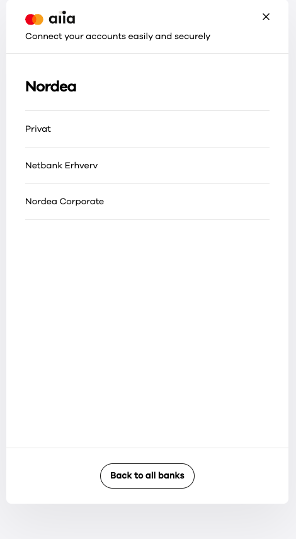
Select the type of account you wish to connect:

Phone screenshot

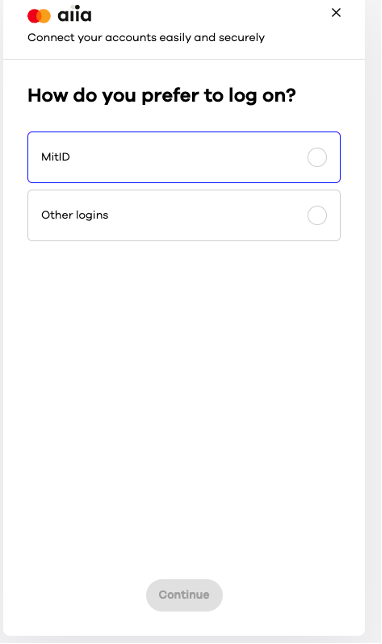
Choose your login method:

Phone screenshot

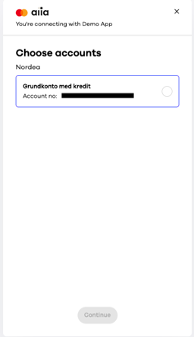
Choose the account you would like to connect:

Phone screenshot

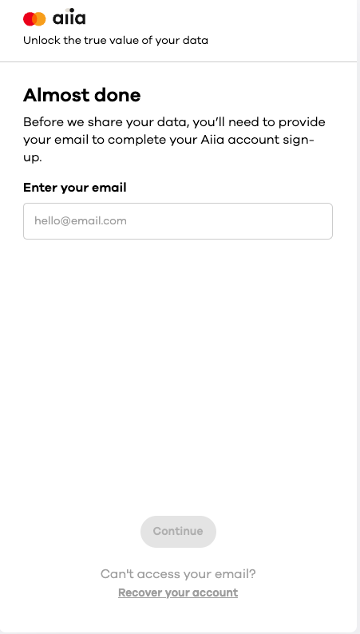
Provide your email address to receive a six-digit authorization verification code:

Phone screenshot

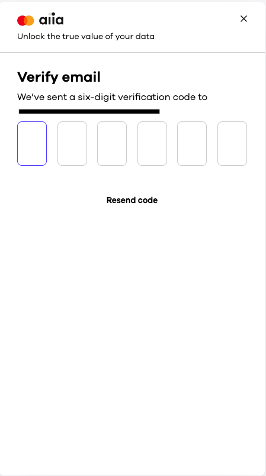
Enter the six-digit verification code:

Phone screenshot

Your bank account has now been connected.

If you have any further questions, please feel free to contact Support.

Have more questions? Submit a request

Articles in this section

Articles in this section

Related help articles

Related articles in this category