Information and communication

Provide accessible menu information

Offer clear, detailed menu information with allergens, ingredients, and formats to support confident and inclusive dining choices. 

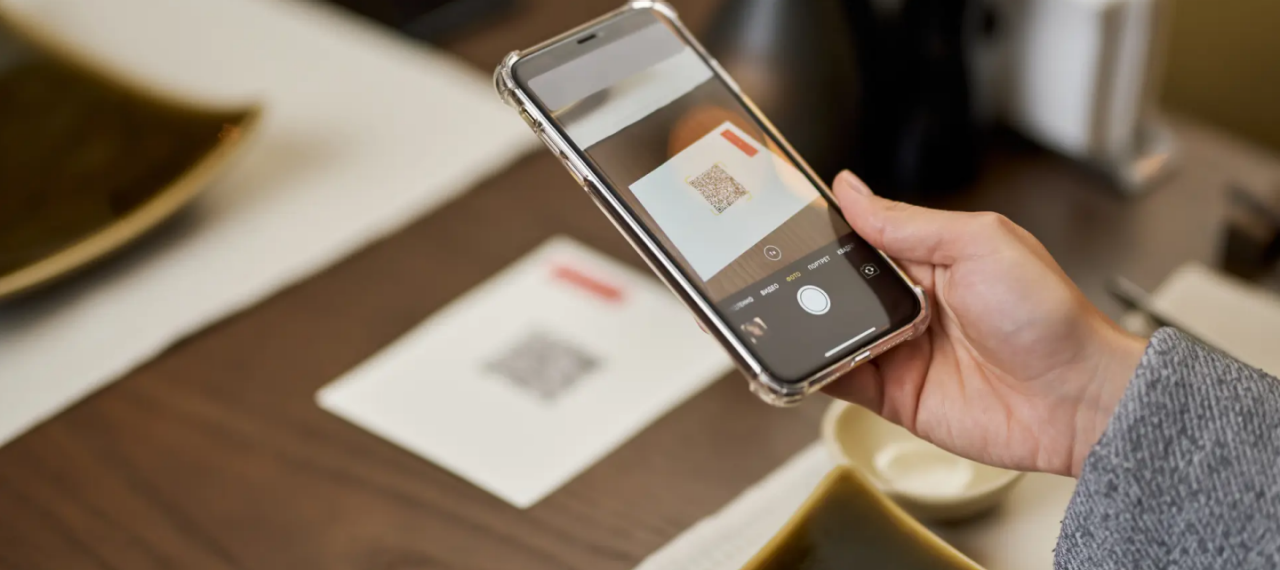
A person holding a phone pointing at QR code

Why this matters


Autistic people may need more information about food options to order. It helps to have clear labels, simple descriptions, and full ingredient lists. Then they can order food with confidence.

The steps below help diners with sensory differences feel welcome and included. They also support people with hidden disabilities. Together, these actions make your venue more inclusive.

“I think it's all about options. Sometimes I want a QR code menu when I don't want to interact with people, but sometimes I need to speak to a person.” 

Community Member

What best practice looks like:

1. Display allergens clearly 

List all allergens for each dish on your menu. This means showing if a dish is gluten-free, dairy-free, vegan, vegetarian, spicy, or has nuts. There are more food inclusions you could note, such as onion and garlic. Staff should be trained to confirm allergens when taking orders.

2. List and offer modification options 

Note which dishes can be modified. Mark these with a symbol, and/or list common substitutions (e.g. "Can be made without onions" or "Gluten-free option available").

3. Update menus online 

Publish your full menu online in plain English. Make sure you have a full ingredient list for each dish, including garnishes. Include any seasonal changes. Remove items that are no longer available. 

4. Keep photos current 

Upload recent photos of your dishes to your website, Google listings and social media. Clear, accurate photos help diners know what to expect before they arrive. For example, on social media, you could include videos of the dish. You can show how the ingredients are arranged by cutting into or moving around the dish.

 5. Provide multiple formats 

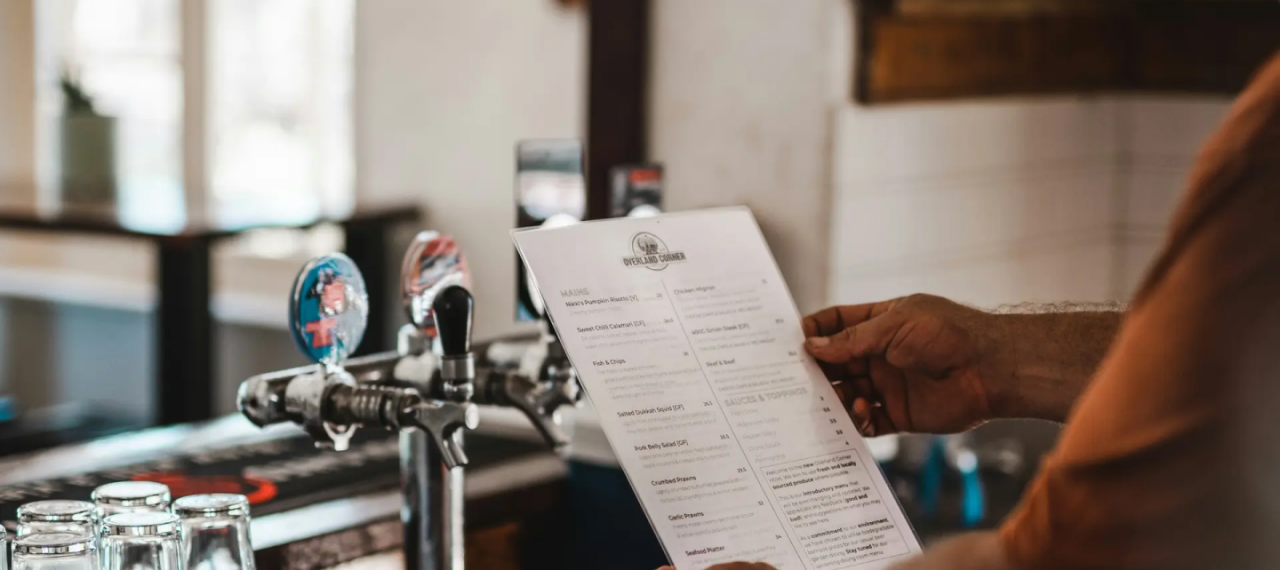
Photography can be essential to help people with sensory differences prepare for a meal. Clear and accurate shots are important. If photography doesn't fit your menu, include visuals on your website with a link on the menu. You can also use a tablet or longer menu to provide when needed. Offer menus in different formats where possible: printed, digital, and audio. 

6. Request reviews 

Encourage diners to leave Google reviews and post photos of their meals. This helps people with sensory needs to find inclusive venues and to understand the menu.

7. Update your Google Maps presence 

Keep your Google Maps listing up to date. Include quiet hours, accessibility information and if you have sensory notes available. This helps make your venue more discoverable.

8. Train your team 

Use the Inclusion Hub to guide you on the training your staff may need. 

Example:

A restaurant’s menu is posted to their website. Each item has an expandable list that shows ingredients and allergens. Staff are trained to answer menu questions without judging. They provide further information when asked.