Expand your knowledge

Help protect your company with trusted resources

Confident small-business owner standing in a office.

Many top risks are due to internal human behaviour and compromised or stolen devices

As a key decision maker within your company, you have many tasks — including ensuring that confidential business and customer data is protected. You’ve put security processes into place, but unseen vulnerabilities can still put your organization at risk.

58%

of global small and medium-sized enterprises report they are not very aware of multi-factor authentication and its security benefits.1

99.9%

of attacks are blocked by multi-factor authentication.2

Protecting sensitive data from cybercriminals is a time investment in your business’s future. The Mastercard Trust Centre can assist you with expert tools and resources.

Learning content and tools

With the Mastercard Trust Centre, you have access to trusted information, tools and resources to help you establish and strengthen essential security protocols and respond to the work-from-home realities of today.


Ransomware: Q&A

Learn everything you need to know about ransomware, from its history to types to how to respond to a ransomware attack and more.

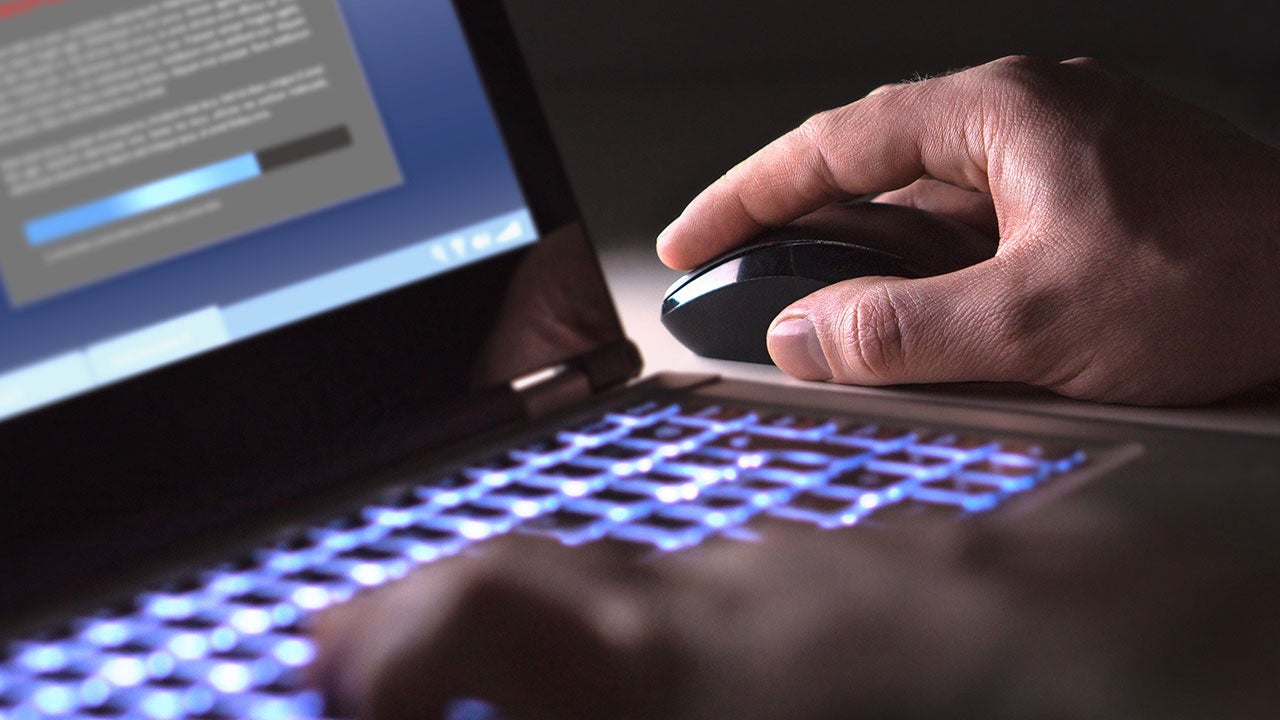
Hacker loading illegal program in a dark room.

Ransomware tips

This article explains what to do if your system has been infected by ransomware. More pressing, it provides tips on how to avoid an infection in the first place.

Woman working on database on a tablet.

Security tips for remote workers

Long and unique passphrases, auto log-out settings and updated software are just a few ways to minimize the risks associated with home-based workers’ lax security practices.

Information security and encryption.

Protect your email and your reputation

Email is used extensively as the initiator for a cyberattack that could lead to your computer system being infected with some form of malware or ransomware, giving access to the criminal to steal valuable data or to transfer your money into fraudulent accounts.

Young woodworker using a laptop in his workshop.

Windows 11/10: Backup your PC

Backups are critical to protecting your data — especially in the event of a ransomware attack where cybercriminals demand payment to restore stolen or encrypted information.

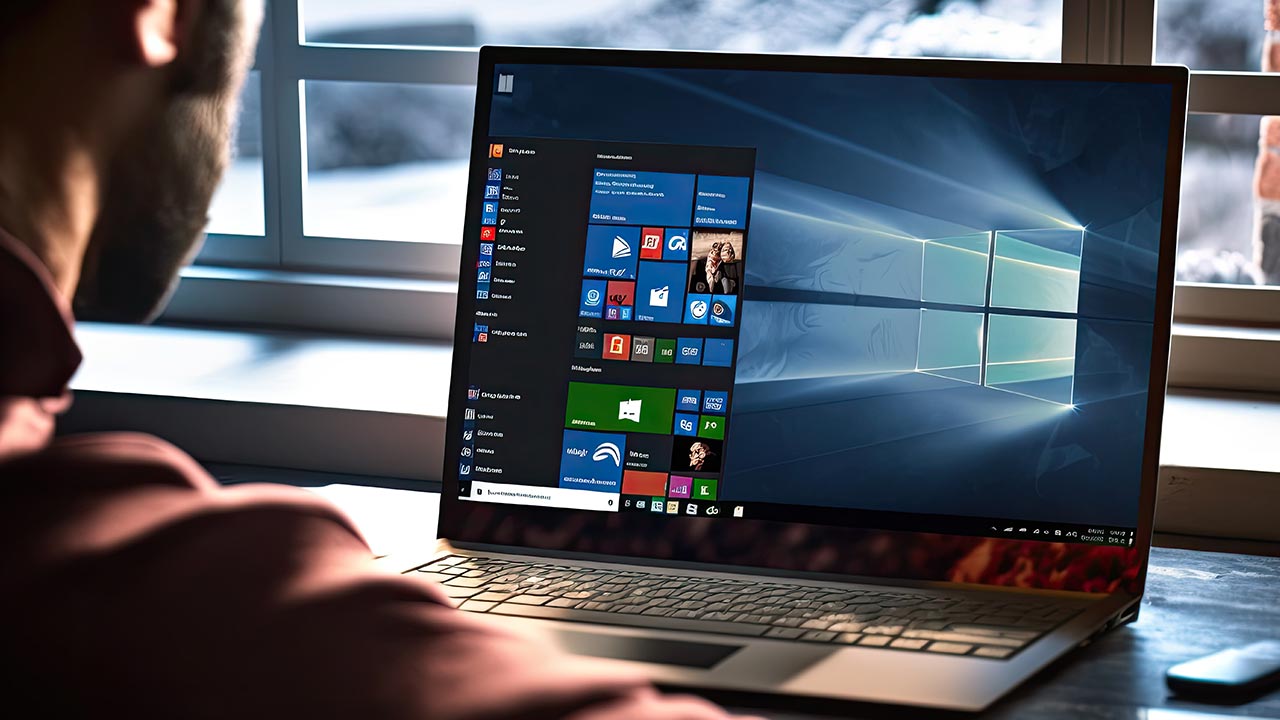
Windows screen on a laptop.

Backup your Mac with Time Machine

Use Time Machine to automatically backup your files, including apps, music, photos, email and documents.

iMAC computer from behind with a hand touching keyboard.

GCA Cybersecurity Toolkit

The Global Cyber Alliance (GCA) has selected essential tools to help reduce your cyber risk. This free toolkit makes it easy for businesses of any size to find and implement cybersecurity practices.

Joyous woman presenting to colleagues.

1. Source: CRI Global MFA Survey, 2024. 

2. Source: FinancesOnline: 55 Important Password Statistics You Should Know: 2024 Breaches & Reuse Data, 2025. 

The Mastercard Trust Centre includes links to curated education, resources and tools from trusted external sources. Once you access a third-party site, you are subject to their terms and policies on privacy and personal data processing. Mastercard will not be liable for your interaction with a third-party site. We recommend you read the information set out in the third party’s website carefully. For more information, see U.S. Terms of Use and Global Data Privacy Policy.