No passwords. Now that’s smart checkout.

Life moves too fast to pay the old way. Introducing a smarter and more secure way to pay online that makes passwords a thing of the past. That’s Click to Pay.

Business man sit in office

HOW IT WORKS

Click to Pay helps you speed through checkout:

  • Pay in just a few clicks
  • Access your information securely
  • Check out at any participating merchant

Please accept functional cookies to watch this video.

poster

Checking out with Click to Pay is quick and easy

Step 1

Look for the Click to Pay icon where Mastercard is accepted.

Mastercard click to pay icon

Step 2

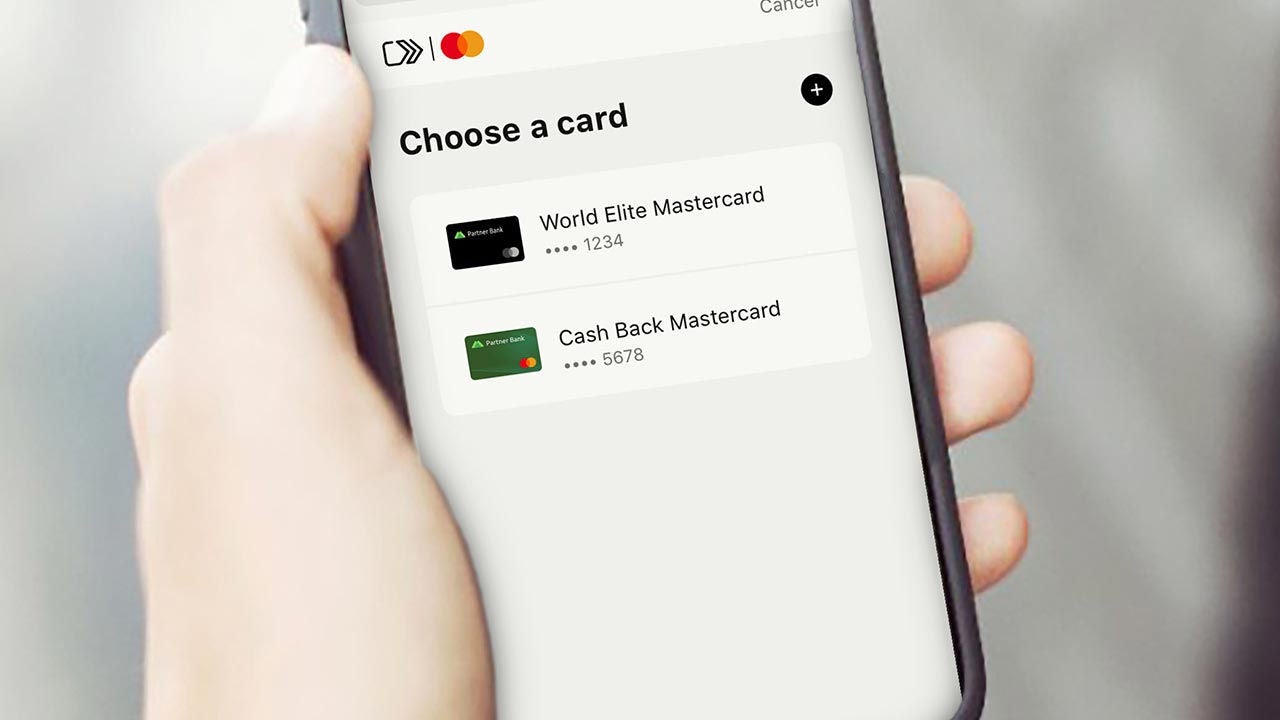
Choose your payment method – everything is stored securely in one place.

Woman hand hold a phone

Step 3

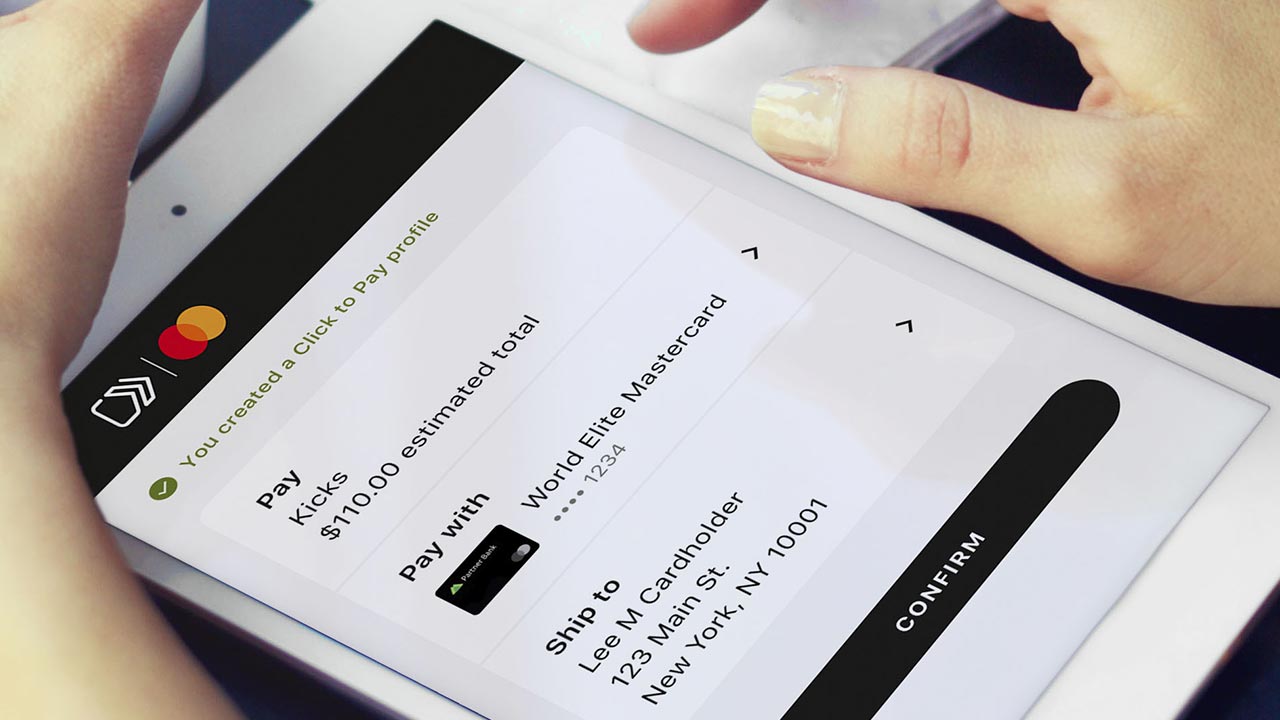
Check out securely in just a few clicks.

Checkout on tablet screen

Security, convenience, control. It all checks out.

No more passwords

Take the hassle out of paying online.

Woman smiling at phone

Smart security

Intelligent security helps recognize you at checkout.

Man working on sofa using phone

Stay in control

Payment information is securely stored in your profile, so it’s there when you need it.

Businesswoman in hijab using-phone

Create a Click to Pay profile

Experience the future of online checkout.


Woman lie on sofa online shopping

Questions?

Get answers to frequently asked questions. Need to get in touch? Contact us at 1-800-88-9037 or  support.checkout@mastercard.com.

Asia woman on laptop

The Click to Pay icon is a trademark owned by and used with permission of EMVCo, LLC.