Travel faster with contactless

Just tap and go on public transport using Apple, Samsung or Google Wallet

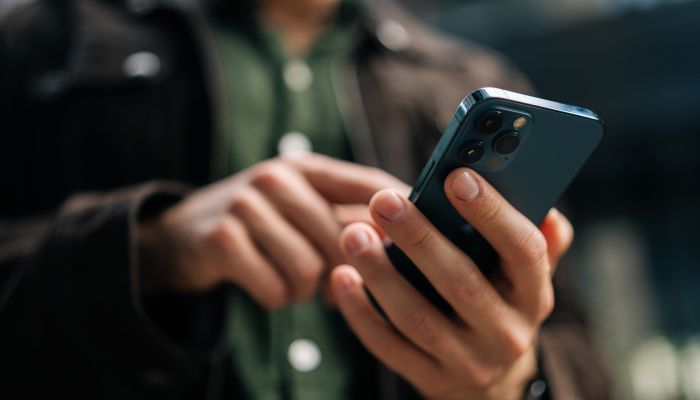
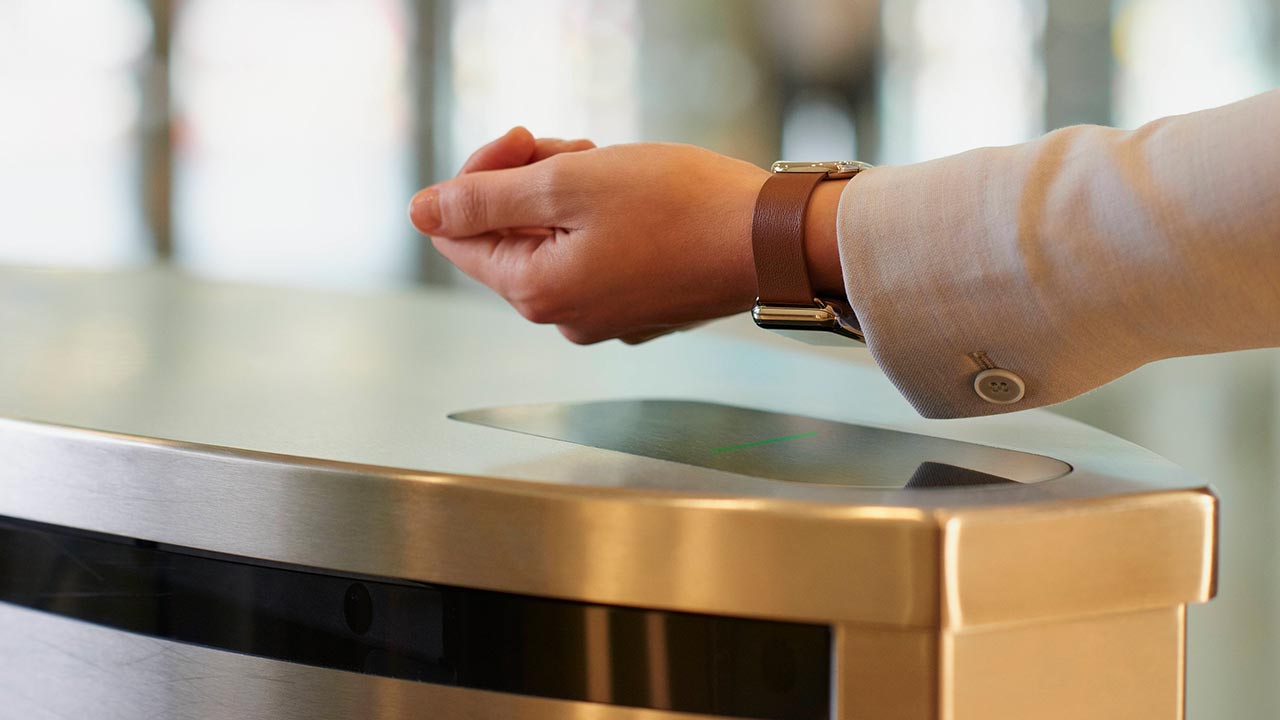
iPhone, Apple Watch and Samsung phone users can add their contactless card to their digital wallet and tap on/off transport card readers for public transport without unlocking or waking their device. Apple users can use Express Mode in Apple Pay, while Samsung users can enable Samsung Pay Transit. On Google Wallet you can only the disable the need for unlocking to streamline your travel. These features only apply to public transport—other transactions remain unchanged.

To enable Express Mode on iPhone:

1. Open the Wallet app and select your card.
2. Tap the More button (three dots) > Card Details.
3. Tap Express Travel Settings and choose your payment card.

f

To enable Express Mode for Apple Watch:

1. Open the Apple Watch app on your iPhone.
2. Go to My Watch > Wallet & Apple Pay.
3. Tap Express Travel Card and select your card, then authenticate with your passcode.

f

To enable Samsung Pay Transit on Samsung:

1. Open the Samsung Wallet app and go to the All tab.
2. Tap + Select from Payment Cards under the Transit Card section.
3. Read the description and tap OK to proceed.
4. Choose your default credit card for transit.

f

To enable Transit without unlocking on Google Wallet (waking your device will still be required):

1. Open your Wallet settings.
2. Go to Security > Verification settings.
3. Disable Verification required using the toggle.

f

Safer than cash

Contactless payment puts you in control and protects your data. Your card or device never leaves your hand, reducing the risk of loss or counterfeit and each purchase is uniquely encrypted. You’re also protected against double billing, even if you accidentally tap twice.

f

Explore our safety & security features further

Questions about Contactless?