

Android Pay

Mastercard® with Google Pay

The fast, simple way to pay

Woman paying using phone

Fast, Simple, and Secure Payments with Google Pay™

Google Pay™ lets you pay quickly online and in stores, while protecting your info with strong security. Manage cards, redeem loyalty points, and get personalized savings suggestions.

Google pay phone

Quick and Easy Google Pay Setup

Add your card to Google Pay in minutes. Download the app, verify your card, and start using it for in-store, transport, or online payments on NFC-enabled Android™ devices.

Woman online shopping

Where to use Google Pay

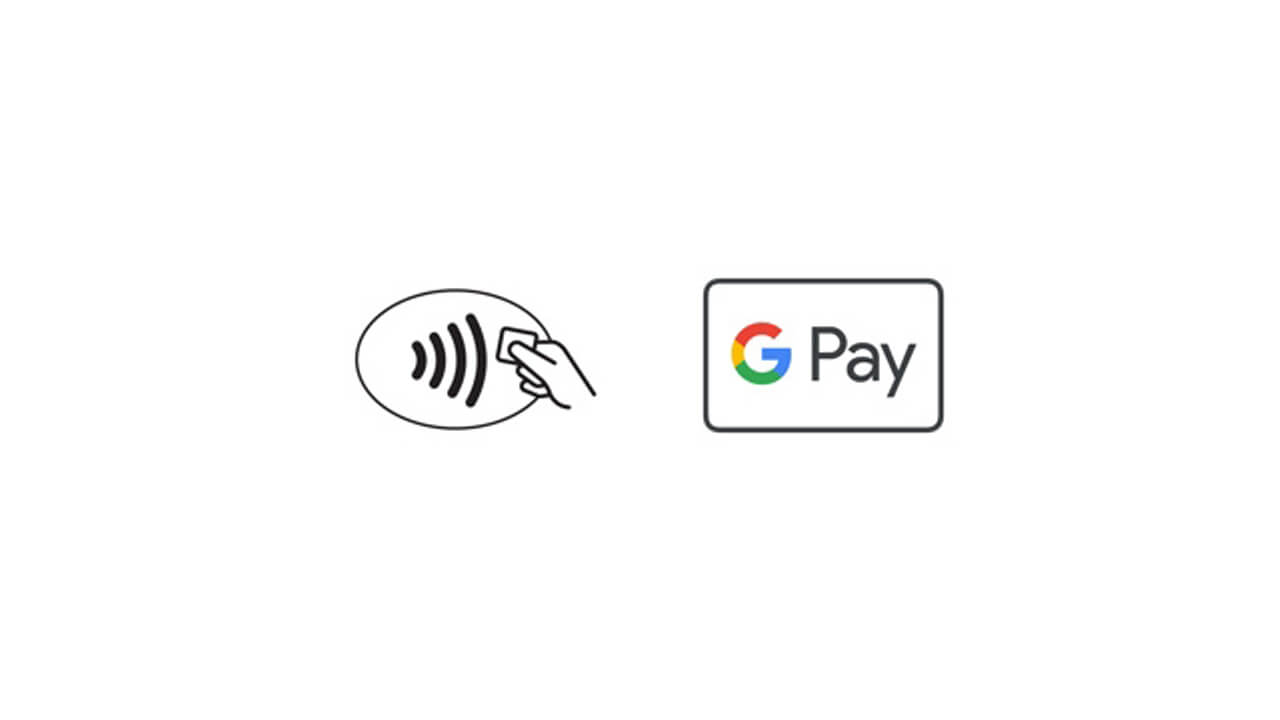
Google Pay is accepted at millions of places around the world. You can use it to pay contactless anywhere you see either of these symbols at checkout.

Googlepay logo

Tap & Go™ with Mastercard on Google Pay

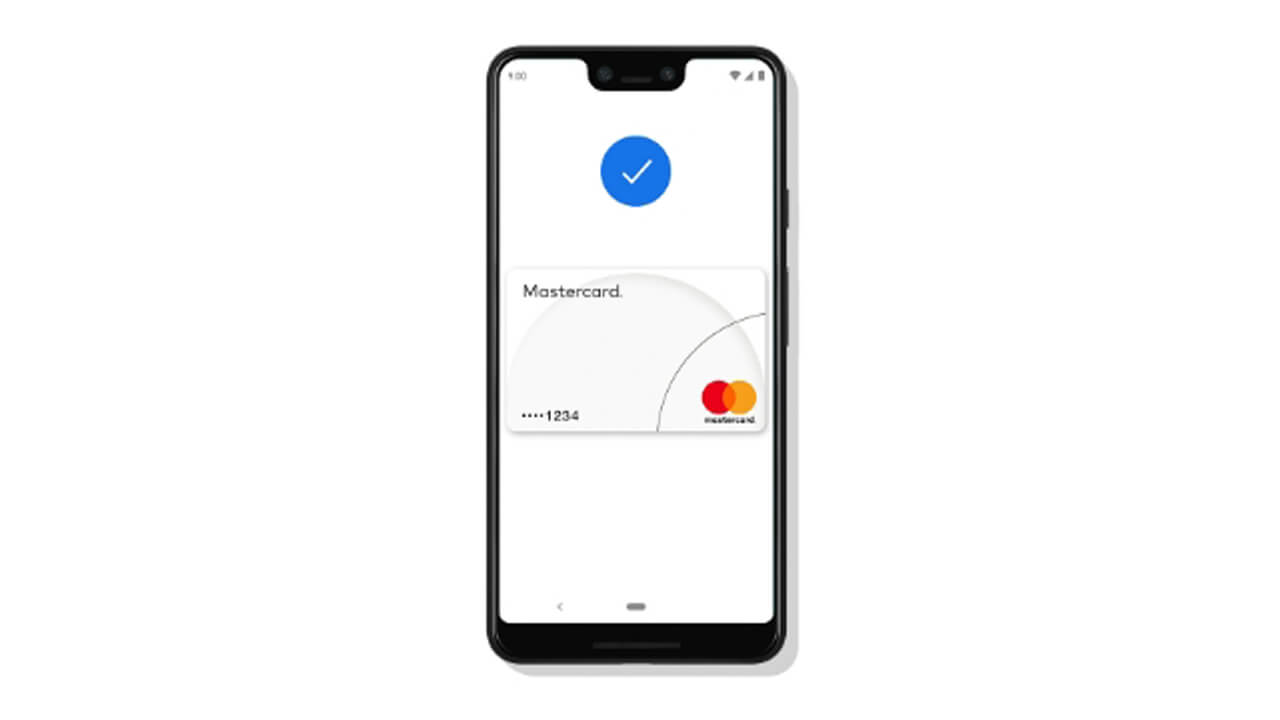
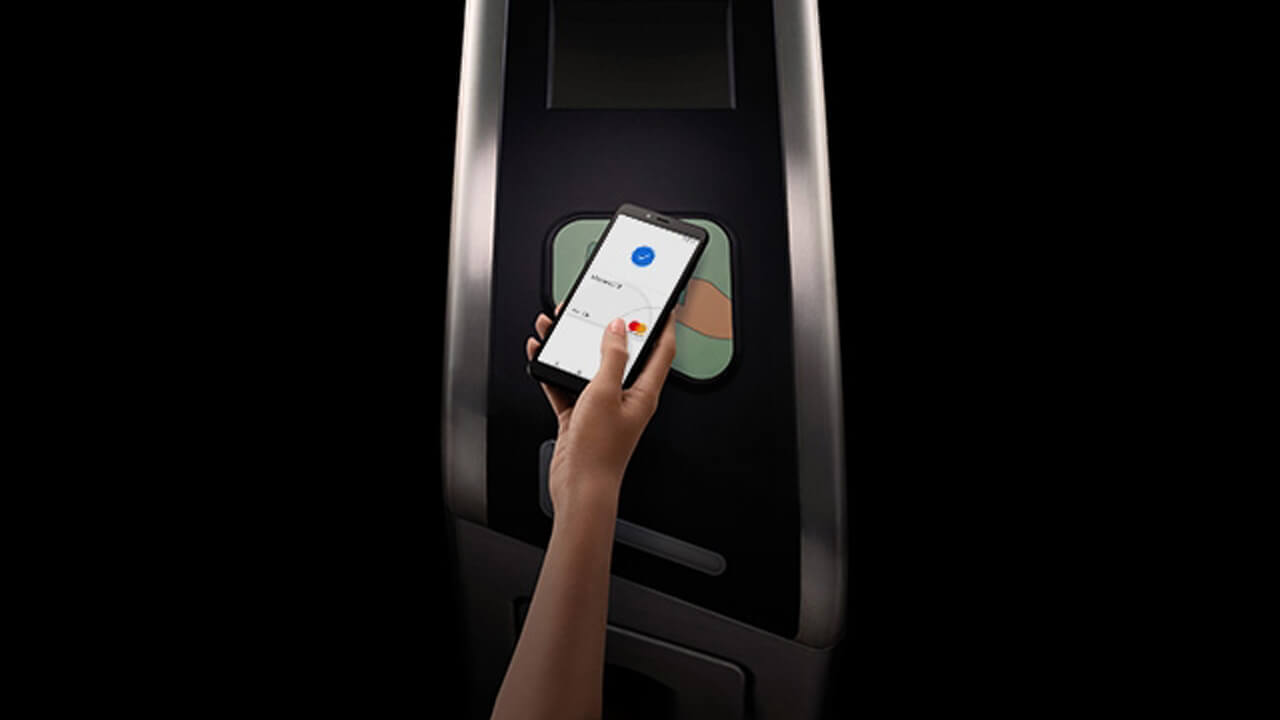
Pay for public transport easily with Mastercard on Google Pay. Just unlock your phone and tap it to the fare reader—no app needed. The blue tick confirms your payment.

*Your default Mastercard will be charged.

Google transit

Pay as quick as you click

Checkout faster with Google Pay. Once your card is added, just select Google Pay at checkout, confirm, and you're done.

Google pay click on phone

Pay in stores with speed and security

Google Pay uses a virtual account number, not your actual Mastercard number, to keep your card details safe when paying in stores.

Woman shopping

Shop securely, pay privately

Transactions are authorized with your fingerprint and a random token is used instead of your actual card details when you use Samsung Pay, so your information stays safe. Plus, you'll also get added protection against identity theft from Liability Protection coverage that already comes with your Mastercard.

*All benefits subject to your bank's availability